Choosing the right website builder is crucial for small nonprofits. Your website is often the first point of contact for potential donors, volunteers, and beneficiaries. A well-designed site can convey your mission, showcase your impact, and foster community engagement.
If your website is difficult to navigate or lacks essential features, you risk losing valuable connections. In a world where online presence matters, selecting the right platform can make or break your organization’s outreach efforts. Small nonprofits often operate on tight budgets and limited resources.
This makes it even more important to choose a website builder that aligns with your goals. A good website should not only look professional but also be user-friendly and adaptable to your needs. The right platform can help you create a strong online identity, attract supporters, and ultimately drive your mission forward.
The Limitations of Low-Cost Website Builders like Wix and Squarespace for Small Nonprofits
While low-cost website builders like Wix and Squarespace may seem appealing due to their affordability, they come with significant limitations. These platforms often offer templates that can make your site look generic. In a crowded nonprofit space, standing out is essential.
If your website looks like everyone else’s, you may struggle to capture attention and convey your unique story. Additionally, these platforms can restrict your ability to customize features. You might find yourself limited in terms of functionality, which can hinder your ability to implement essential tools like donation forms or event calendars.
As your nonprofit grows, you may need more advanced features that these builders simply cannot provide. This can lead to frustration and additional costs down the line when you realize you need to switch platforms entirely.
The Benefits of WordPress for Small Nonprofits

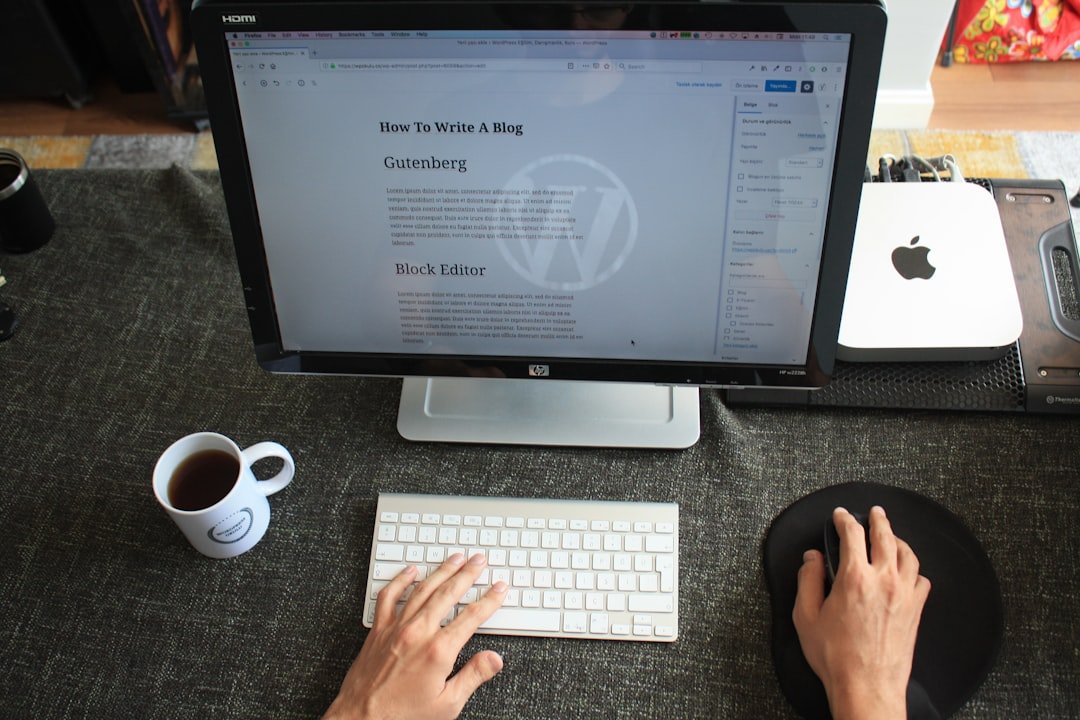
WordPress offers a wealth of benefits for small nonprofits that low-cost builders cannot match. First and foremost, it is highly customizable. While coding may be possible, and usually only in rare situations, with thousands of themes and plugins available, you can tailor your site to meet your specific needs. It might seem intimidating at first, but WordPress, even with the accompanying near daily maintenance and security checks, is possible even for smaller NGOs and NPOs.
Whether you want to add a donation button, create an event calendar, or integrate social media feeds, WordPress makes it easy to do so. Moreover, WordPress is open-source software, meaning it is free to use and has a large community of developers constantly improving it. This results in a robust platform that is regularly updated with new features and security enhancements.
For small nonprofits looking to build a strong online presence, WordPress provides the flexibility and scalability necessary for growth.
When comparing short-term costs, Wix and Squarespace may appear cheaper at first glance. They often offer attractive pricing plans that include hosting and support. However, these costs can add up quickly if you need additional features or storage space.
In contrast, while WordPress may require an initial investment in hosting and domain registration, it often proves more cost-effective in the long run. Consider this: many small nonprofits find themselves paying for premium features on Wix or Squarespace that are included for free with WordPress plugins. For example, if you need an e-commerce solution or advanced analytics, you might pay extra on those platforms while finding free or low-cost options on WordPress.
In the end, the initial savings from low-cost builders can lead to higher expenses as your needs evolve.
Web Capacity Building with WordPress for Small Nonprofits
Web capacity building is essential for small nonprofits aiming to enhance their online presence. WordPress supports this by providing tools that help organizations develop their digital skills. With its user-friendly interface and extensive documentation, even those with limited technical knowledge can learn to manage their sites effectively.
Furthermore, WordPress encourages collaboration among team members. Multiple users can be granted different levels of access, allowing volunteers or staff to contribute without compromising security.
How WordPress Can Help Small Nonprofits Grow and Expand Their Online Presence
WordPress is not only a website builder; it’s a growth engine for small nonprofits. With its SEO-friendly structure, your site can rank higher in search engine results, making it easier for potential supporters to find you. By optimizing your content with relevant keywords and utilizing plugins designed for SEO, you can increase your visibility online.
Additionally, WordPress allows for seamless integration with social media platforms. You can easily share updates, events, and success stories across various channels, driving traffic back to your site. This interconnectedness helps build a community around your cause and encourages engagement from supporters who may not have discovered you otherwise.
WordPress also offers possibilities like CRMs, certification, education and a host of other opportunities.
Understanding the Long-Term Value of Investing in WordPress for Small Nonprofits
Investing in WordPress offers long-term value that low-cost builders cannot provide. As your nonprofit grows, so do your website needs. WordPress scales with you; whether you’re adding new features or expanding content, it adapts without requiring a complete overhaul of your site.
Moreover, the investment in WordPress translates into better donor engagement and retention. A well-structured site with clear calls-to-action can significantly increase donations and volunteer sign-ups. By providing a positive user experience, you foster trust and loyalty among supporters who are more likely to contribute over time.
Tips for Small Nonprofits to Transition from Low-Cost Website Builders to WordPress
Transitioning from low-cost website builders to WordPress may seem daunting, but it doesn’t have to be.
This will help you organize information effectively.
– **Choose the Right Hosting Provider**: Research hosting options that cater specifically to nonprofits or offer excellent support.
– **Select a Theme**: Pick a responsive theme that aligns with your mission and is easy to navigate.
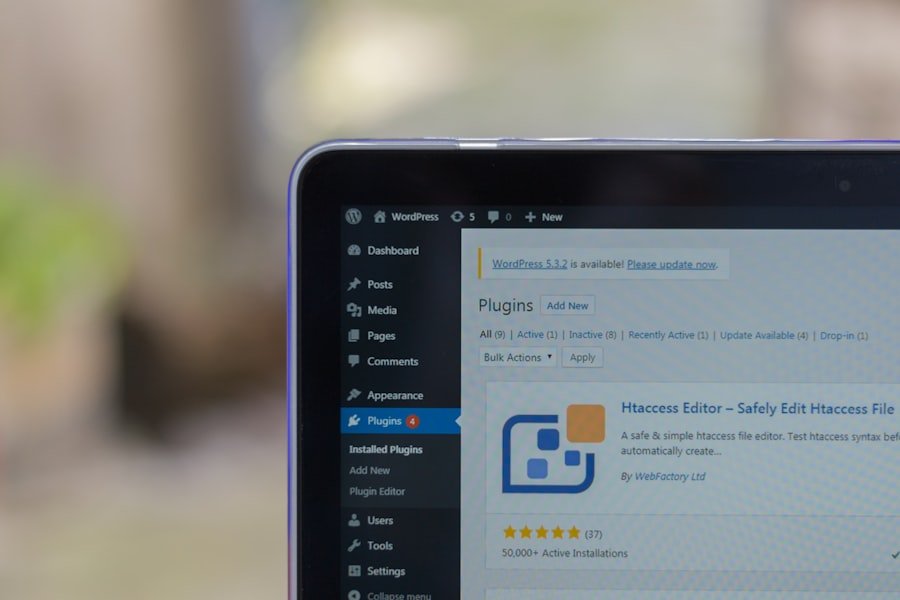
– **Utilize Plugins**: Take advantage of plugins for donations, event management, and SEO to enhance functionality while you figure out how to build your platform.
– **Train Your Team**: Invest time in training staff or volunteers on how to use WordPress effectively.
– **Test Before Launch**: Before going live, test all features thoroughly to ensure everything works as intended.
By following these steps, small nonprofits can successfully transition to WordPress and unlock its full potential for growth and engagement. In conclusion, choosing the right website builder is vital for small nonprofits aiming to make an impact online. While low-cost options like Wix and Squarespace may seem appealing initially, they often fall short in functionality and customization.
WordPress stands out as a powerful alternative that not only meets immediate needs but also supports long-term growth and capacity building. By investing in WordPress, small nonprofits can enhance their online presence and ultimately drive their mission forward more effectively.